The iPhone 13 is still one of the best phones you can own. It’s fast, the camera is great, and it will keep getting iOS updates for years. But if you bought yours at launch, its battery has now been through hundreds of charge cycles, and that’s usually when the complaints start: dying by mid-afternoon, shutting off at 20%, or feeling sluggish for no reason.
The good news is that an iPhone 13 battery replacement is one of the cheapest, fastest repairs you can get, and it makes a tired phone feel new again. This guide covers what it costs, how to tell if your battery actually needs replacing, your repair options, and when it makes more sense to trade up instead.
How Much Does an iPhone 13 Battery Replacement Cost?
Pricing depends on where you go. Here’s a realistic breakdown:
| Option | Typical Cost | Turnaround |
| Apple Store or Apple Authorized Provider | Around $89 to $99 | Same day to several days (appointment usually required) |
| Independent repair shop (like usedphoneZ) | Typically $50 to $80 | Usually same day, often under an hour |
| DIY kit | $30 to $50 in parts | Your time, plus real risk of damage |
| AppleCare+ (if battery health is under 80%) | $0 | Same day to several days |
For most iPhone 13 owners, an independent local shop is the sweet spot: significantly cheaper than Apple, no appointment weeks out, and you’re usually back in business the same day. At our Lafayette phone repair shop, battery swaps are one of the most common repairs we do, and most customers wait in the store while we finish.
One tip: if you still have AppleCare+ and your battery health has dropped below 80%, Apple replaces it for free. Check that before paying anyone.
7 Warning Signs Your iPhone 13 Battery Needs Replacing
Not every battery complaint means the battery is bad. Here’s how to know for sure.
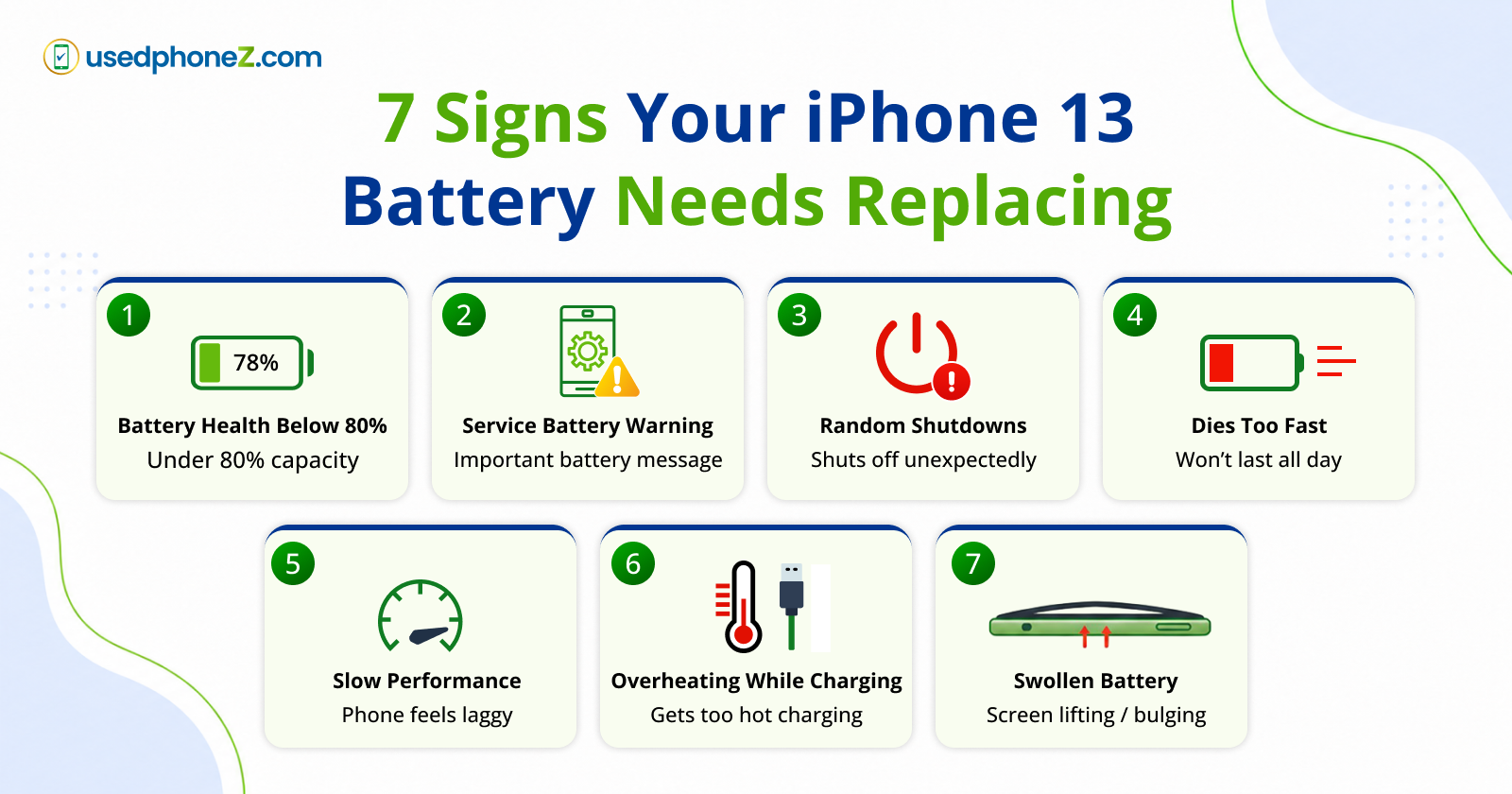
1. Battery Health Below 80%
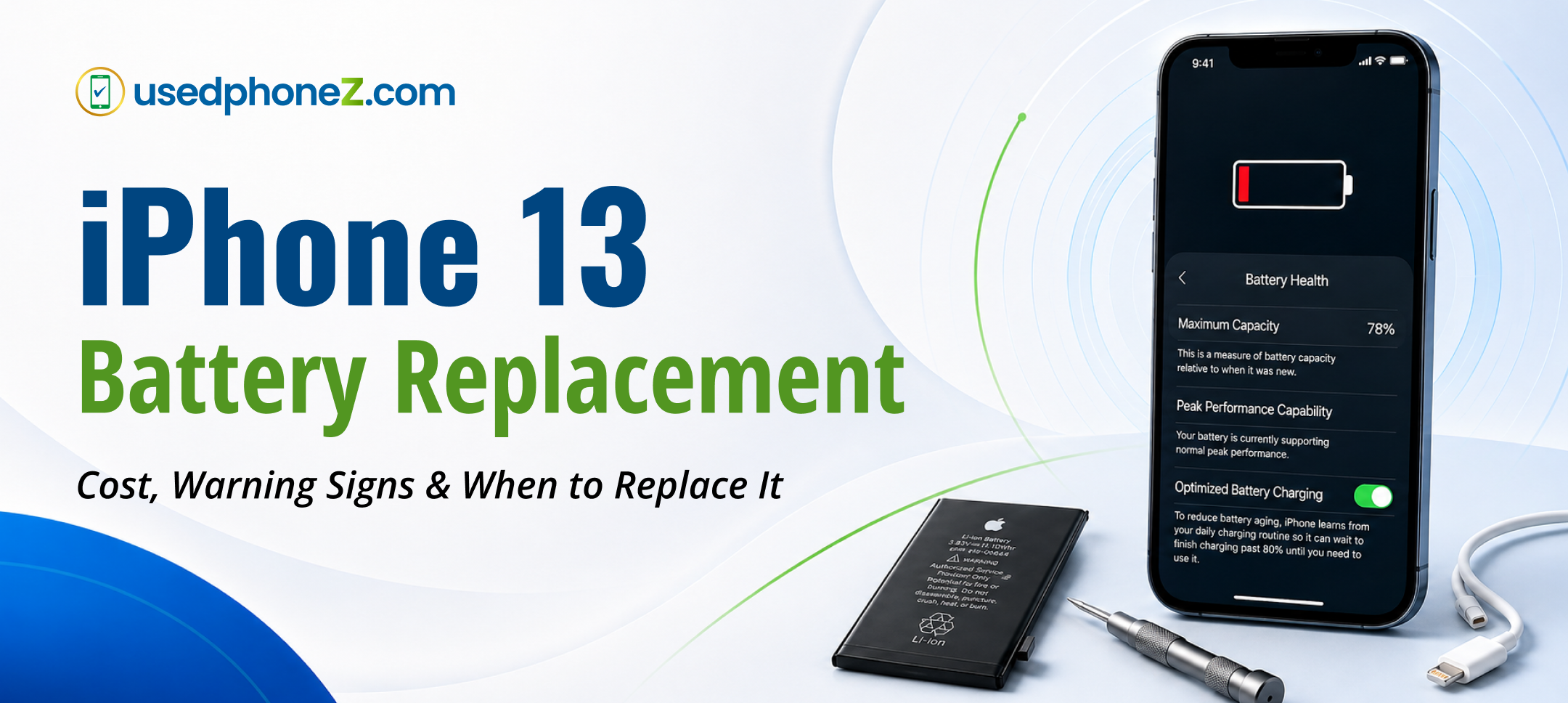
This is the clearest signal. Go to Settings → Battery → Battery Health & Charging and look at Maximum Capacity. Apple considers a battery “consumed” once it drops below 80%. At that point you’ve lost roughly a fifth of your original run time, and performance may be throttled.
2. The “Service” or “Important Battery Message” Warning
If that same screen shows a message that your battery has significantly degraded, iOS itself is telling you it’s time.
3. Random Shutdowns
If your iPhone dies at 15%, 20%, or even 30% remaining, the battery can no longer deliver stable voltage under load. That’s a classic worn-battery symptom.
4. Doesn’t Last Through the Day
A healthy iPhone 13 easily makes it from morning to night. If you’re hunting for a charger by lunch with normal use, capacity has dropped.
5. Slower Performance
iOS deliberately slows down phones with degraded batteries to prevent shutdowns. If your iPhone 13 suddenly feels laggy, the battery is often the real culprit, not the phone.
6. Overheating While Charging
Some warmth is normal. Getting genuinely hot during routine charging is not, and it’s a sign the battery is struggling.
7. Swollen Battery
If the screen is lifting away from the frame or the back feels bulged, stop using the phone and get it looked at right away. A swollen battery is a safety issue, not just a performance one.
Your Repair Options, Compared
Apple. Genuine parts and Apple’s warranty, but the highest price, and appointments in a smaller market like Lafayette can mean a drive to another city or a wait for a mail-in.
Independent repair shop. Faster and cheaper, with quality parts and a warranty on the work at reputable shops. This is where most people land. Just make sure the shop uses quality batteries and backs the repair, which we do on every job at usedphoneZ.
Do it yourself. Possible, but the iPhone 13 has strong adhesive, a fragile display cable, and a battery that’s dangerous to puncture. One slip can turn a $60 battery job into a $200 screen job. Unless you’ve done it before, we’d skip it.
Battery Replacement vs. Buying a New Phone
Here’s the honest calculation, because it’s the question that really matters.
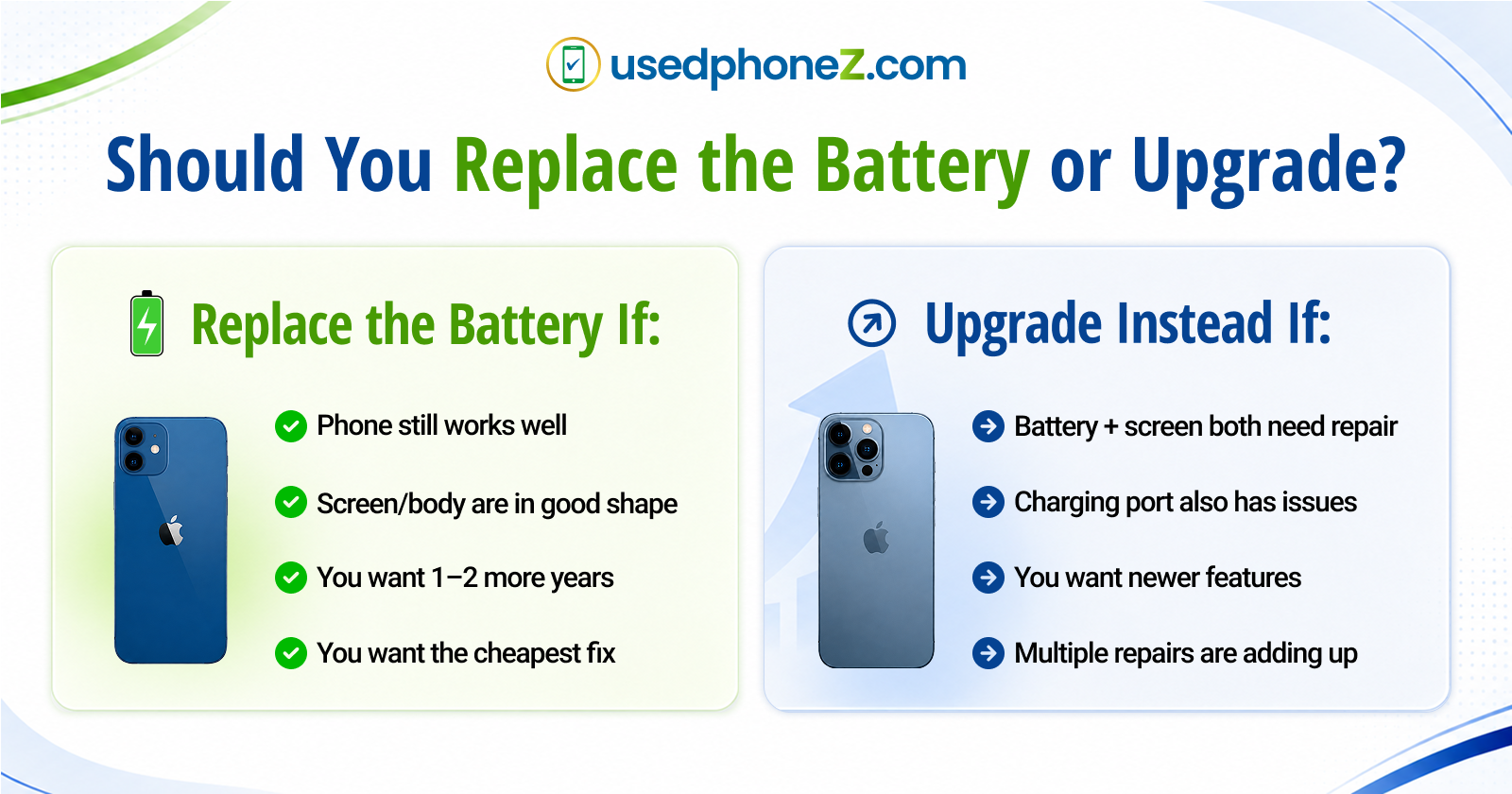
Replace the battery if:
- Everything else about the phone works well
- The screen and body are in good shape
- You’re happy with the camera and speed
- You want to squeeze another 1 to 2 years out of it for well under $100
For most iPhone 13 owners, this is the right call. Spending $60 to $80 to get another year or two from a phone that’s otherwise great is one of the best deals in tech.
Consider upgrading instead if:
- The battery is bad and the screen is cracked, or the charging port is failing
- You’re paying for multiple repairs on the same phone
- You simply want a newer model with a better camera or more storage
If you’re leaning toward an upgrade, you don’t have to spend $1,000. Certified pre-owned iPhones and Samsungs are a fraction of the price, and you can lease to own a newer iPhone with no credit check starting at just $50 down with easy weekly payments. Many of our customers trade in their iPhone 13 toward the upgrade, which lowers the cost further.
What to Do With Your Old iPhone 13
Whichever way you go, don’t let an old iPhone sit in a drawer.
If you replaced the battery, keep enjoying it. If you upgraded, that iPhone 13 still has real value. Even with a worn battery, we’ll buy your iPhone 13 for cash at our Lafayette store, and you’ll get more for it if you replace the battery first, since a phone with a healthy battery is worth more to the next owner.
Frequently Asked Questions
How long does an iPhone 13 battery replacement take?
At an independent shop, usually 30 to 60 minutes. Apple can range from same day to several days depending on appointment availability.
Will replacing the battery erase my data?
No. A battery swap doesn’t touch your storage. It’s still smart to back up to iCloud beforehand as a precaution.
How long does an iPhone 13 battery last?
Roughly 2 to 3 years or about 500 full charge cycles before it drops near 80% capacity, depending on how you charge and use it.
Does a non-Apple battery show a warning?
On the iPhone 13, iOS may show a “Unable to verify this iPhone has a genuine Apple battery” message with a third-party part. The phone works normally; it’s just an informational notice. A good shop will explain this upfront.
How can I make my new battery last longer?
Avoid letting it sit at 0% or 100% for long periods, keep it out of extreme heat, and turn on Optimized Battery Charging in Settings.
The Bottom Line
An iPhone 13 battery replacement typically costs $50 to $99, takes under an hour at a local shop, and instantly fixes the shutdowns, slowdowns, and short battery life that make a great phone feel old. If the rest of your phone is in good shape, it’s almost always the smart move.
Ready to bring your iPhone 13 back to life? Stop by usedphoneZ at 1003 Kaliste Saloom Rd. in Lafayette, LA. Walk-ins are welcome 9AM to 7PM Monday through Saturday, most battery replacements are done same day, and every repair is backed by our warranty.
Have a question first? Get in touch or call 833-355-5505.