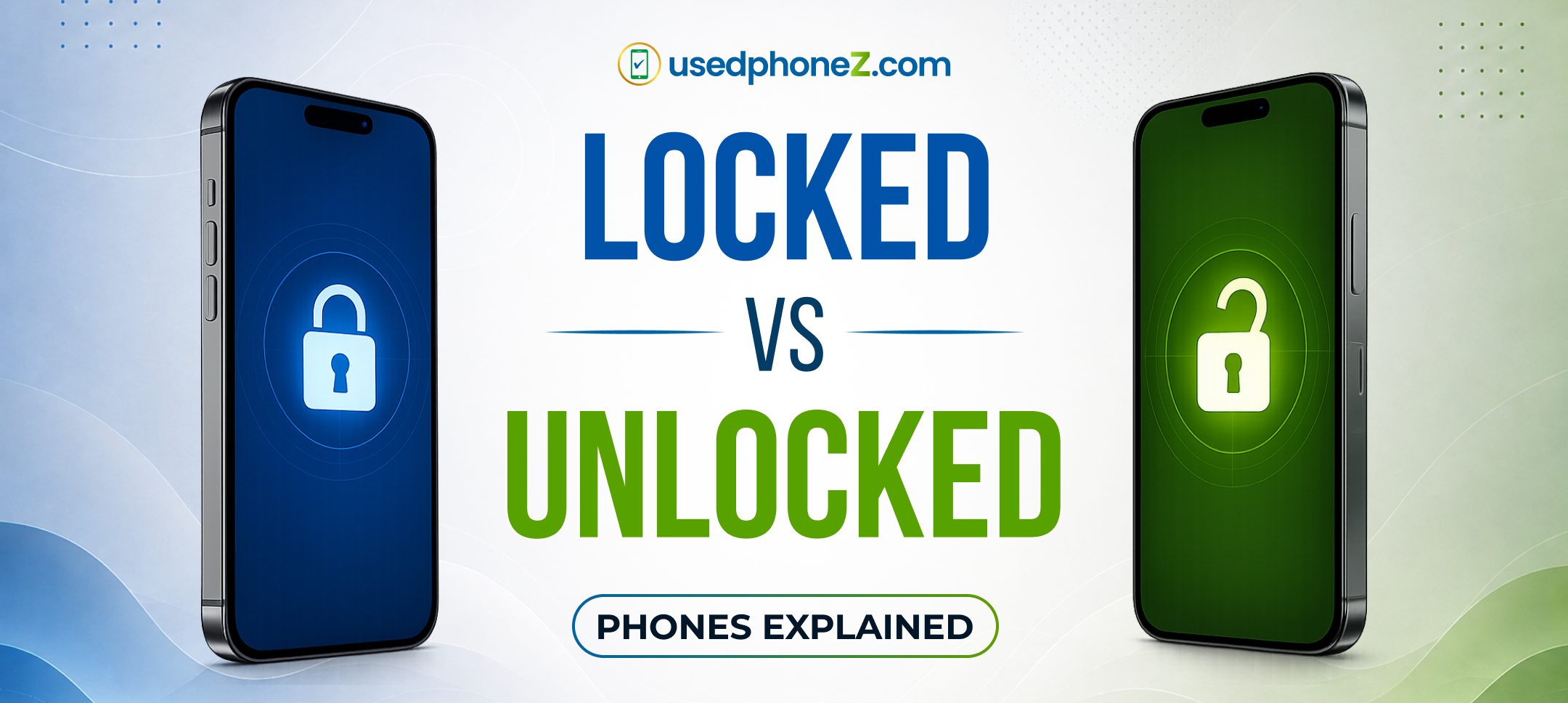
If you’ve ever tried to switch carriers and your iPhone refused to accept the new SIM card, you’ve run into a carrier-locked phone. It’s one of the most common questions we hear at our Lafayette store: “Can you unlock my iPhone?” The answer depends on a few things worth understanding before you buy, sell, or switch.
In this guide, we’ll explain the difference between locked and unlocked iPhones, show you exactly how to unlock an iPhone the legitimate way, and help you decide which option makes the most sense for your carrier and your budget.
What Does “Locked” Actually Mean?
A locked iPhone is tied to one specific carrier, like AT&T, Verizon, or T-Mobile. The lock is software applied by the carrier, and it prevents the phone from working with a SIM card from any other network.
Carriers lock phones for one main reason: financing. When you get a phone on an installment plan or a contract, the carrier locks it until the device is fully paid off. It’s their way of making sure you stick around.
An unlocked iPhone, on the other hand, works with any carrier. You can pop in a SIM from any network, including prepaid carriers and international SIMs when you travel, and it just works.
How to Check If Your iPhone Is Locked or Unlocked
You don’t need any special tools. On any iPhone running iOS 14 or later:
- Open Settings
- Tap General → About
- Scroll down to Carrier Lock
If it says “No SIM restrictions,” congratulations, your iPhone is unlocked. If it says “SIM locked” or names a carrier, it’s locked to that network.
Another quick test: borrow a SIM card from a friend on a different carrier and insert it. If the phone connects and can make calls, it’s unlocked.
How to Unlock an iPhone (The Right Way)
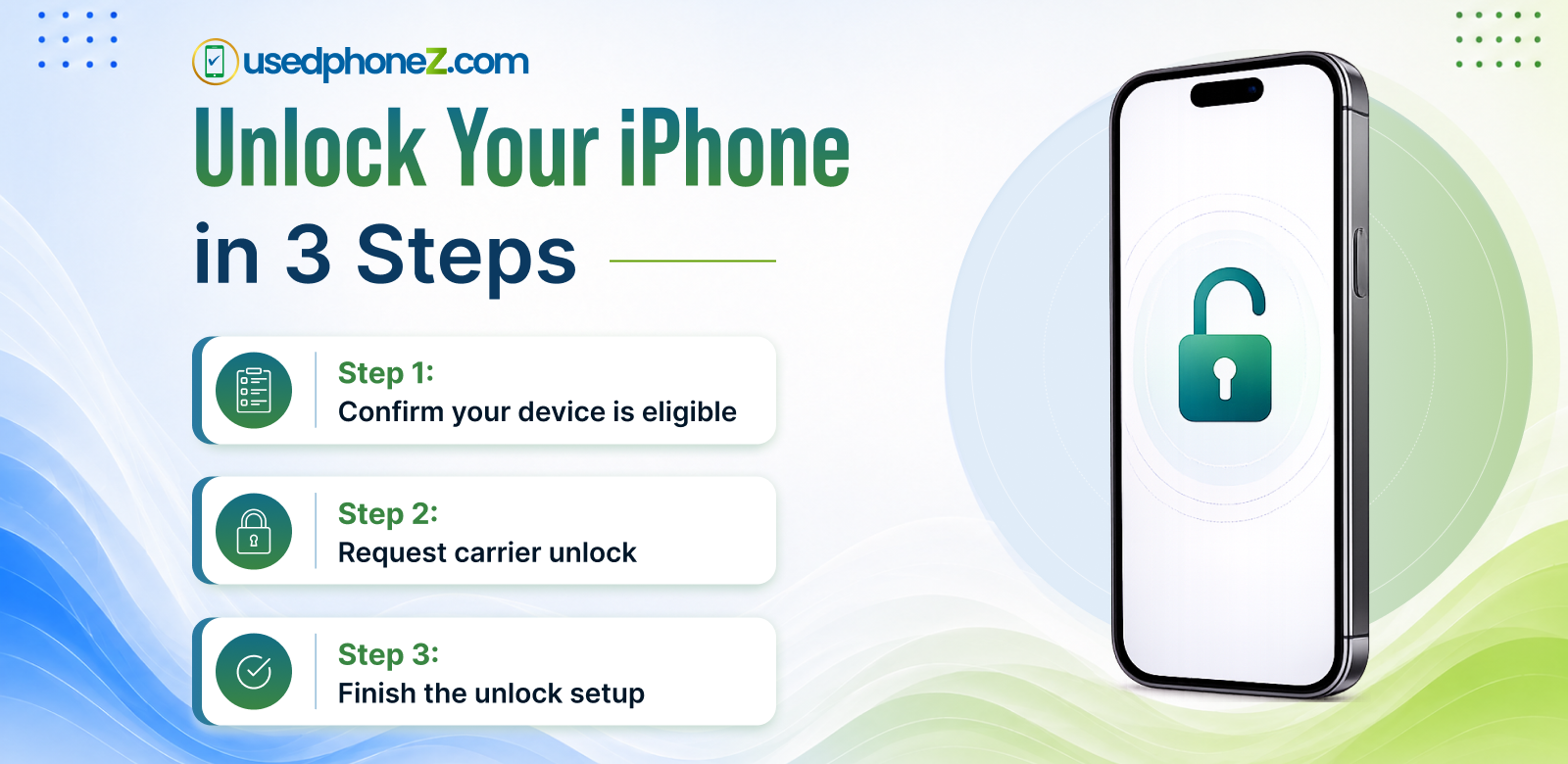
Here’s the most important thing to know: only your carrier can officially unlock your iPhone. Third-party “instant unlock” websites are risky. Many are scams, and some methods can void your warranty or get the device blacklisted. Always go through the carrier.
The good news? Unlocking is free by law in the US once you meet your carrier’s requirements. Here’s the process:
Step 1: Check Your Eligibility
Every major carrier has similar requirements before they’ll unlock a phone:
- The device must be fully paid off (no remaining installment balance)
- The account must be in good standing (no past-due balance)
- The phone must not be reported lost or stolen
- Some carriers require the phone to be active on their network for a minimum period (typically 40 to 60 days)
Step 2: Request the Unlock
- AT&T: Submit a request through AT&T’s online unlock portal
- T-Mobile: Use the T-Mobile app or contact customer service (many devices unlock automatically once eligible)
- Verizon: Most Verizon phones unlock automatically 60 days after purchase
- Prepaid carriers (Cricket, Metro, Boost): Contact support after meeting the active-use requirement, usually 6 to 12 months
Step 3: Complete the Unlock
Once approved, the unlock usually happens over the air. Connect your iPhone to Wi-Fi, restart it, and check Settings → General → About to confirm it now shows “No SIM restrictions.” In some cases, you may need to insert the new carrier’s SIM or reset network settings to finish the process.
That’s it. No jailbreaking, no sketchy software, no fees.
Locked vs Unlocked: Which Should You Buy?
If you’re shopping for a phone, this choice matters more than most people realize.
| Locked iPhone | Unlocked iPhone | |
| Price | Often cheaper upfront | Slightly higher, but no strings |
| Carrier freedom | Tied to one network | Works with any carrier |
| Travel | Roaming fees | Use local SIMs abroad |
| Resale value | Lower | Higher, since more buyers can use it |
| Switching plans | Must unlock first | Switch anytime |
Our honest take: unlocked is almost always worth it. You keep the freedom to chase better plan deals, your phone holds more resale value, and you’ll never be stuck mid-switch waiting on a carrier’s approval. Every certified device we sell at usedphoneZ is unlocked and ready for the carrier of your choice. You can browse our unlocked iPhones and Samsungs here, with lease-to-own available for as low as $50 down and no credit check.
Does Unlocking Affect Your iPhone’s Value?
Yes, significantly. An unlocked iPhone typically resells for 10 to 20% more than the same model locked to a carrier, simply because more buyers can use it.
So if you’re planning to upgrade, it’s worth unlocking your current phone before you sell it. Once it’s unlocked, you can sell your iPhone for cash at our Lafayette store and walk out with same-day payment. We buy used, like-new, and even broken devices.
One important note: a phone with an unpaid balance or one reported lost or stolen cannot be legitimately unlocked or resold. Reputable buyers (including us) check the IMEI before purchasing, so make sure your device is fully paid off first.
Common Questions About Unlocking iPhones
1. Is it legal to unlock an iPhone?
Yes. Unlocking your own phone is fully legal in the US once you’ve met your carrier’s requirements, and carriers must do it for free on eligible devices.
2. Does unlocking erase my data?
No. A carrier unlock doesn’t touch your photos, apps, or settings. (It’s a good habit to back up before any major change anyway.)
3. Can a cracked or damaged iPhone be unlocked?
Yes. The unlock is tied to your account status, not the phone’s condition. And if the damage is the reason you’re switching phones, bring it by our repair shop in Lafayette first; a same-day screen or battery fix often costs far less than replacing the device (and a working phone sells for more, too).
4. How long does unlocking take?
Anywhere from instant to about 2 business days, depending on the carrier. Verizon and T-Mobile are often automatic; AT&T requests typically process within 24 to 48 hours.
5. What if my carrier refuses to unlock my phone?
That usually means an unpaid balance or an account issue. Clear the balance, then re-submit. If you’d rather skip the hassle entirely, trading in your locked phone toward an already-unlocked device is often the faster path.
The Bottom Line
Unlocking an iPhone is free, legal, and easier than most people think, as long as the phone is paid off and you go through your carrier rather than a third-party service. And when you’re buying your next phone, choosing unlocked from the start saves you the entire headache.
Skip the unlock hassle altogether: every device at usedphoneZ comes unlocked, certified, and ready for any carrier, with no-credit-check lease-to-own from just $50 down. Stop by our Lafayette store at 1003 Kaliste Saloom Rd., or contact us at 833-355-5505 with any questions about your device.